Manual Build Version
Specify a version when starting a job manually, then create a Git tag with that version after the build steps succeed.
Configure the Job
Open .onedev-buildspec.yml, click Edit, and select the job to configure.
-
In Params & Triggers / Parameter Specs, add a Text parameter named
Build Version. Leave Allow Empty Value disabled.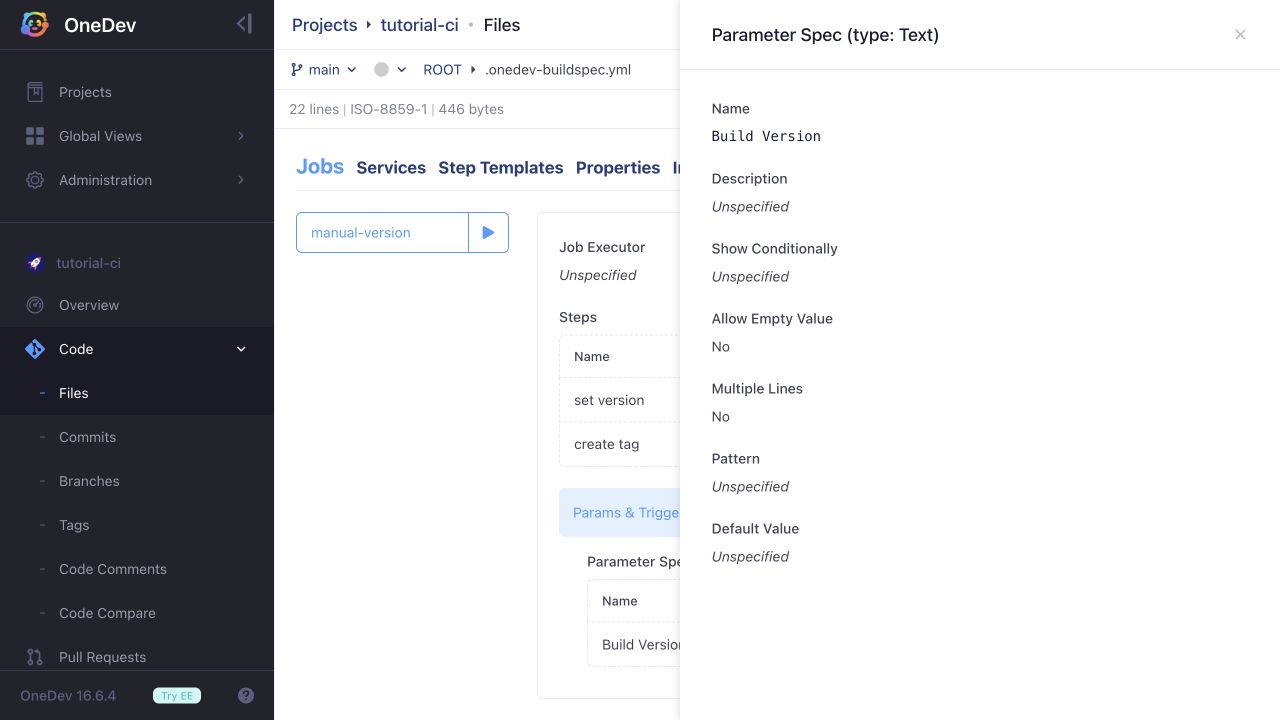
-
Add a Set Build Version step with Build Version set to
@param:Build Version@.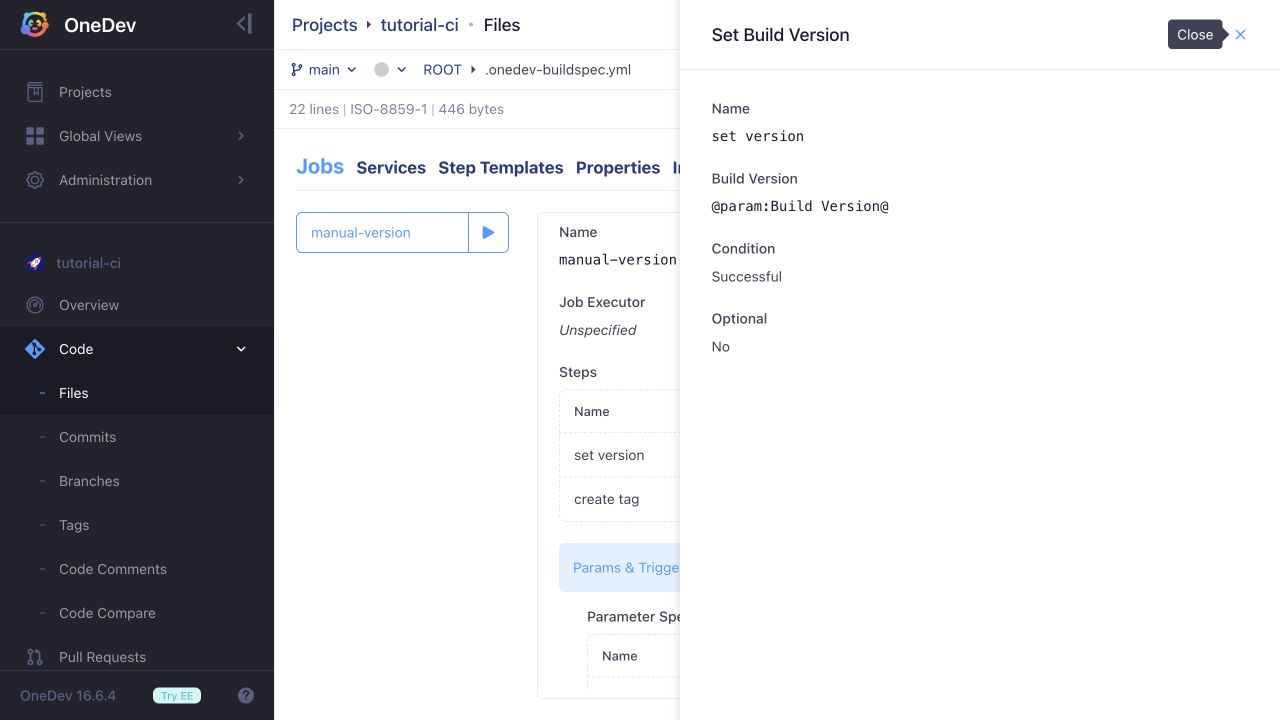
-
After the build and test steps, add a Create Tag step. Set Tag Name to
@build_version@and leave Condition as Successful, so a failed earlier step prevents tagging.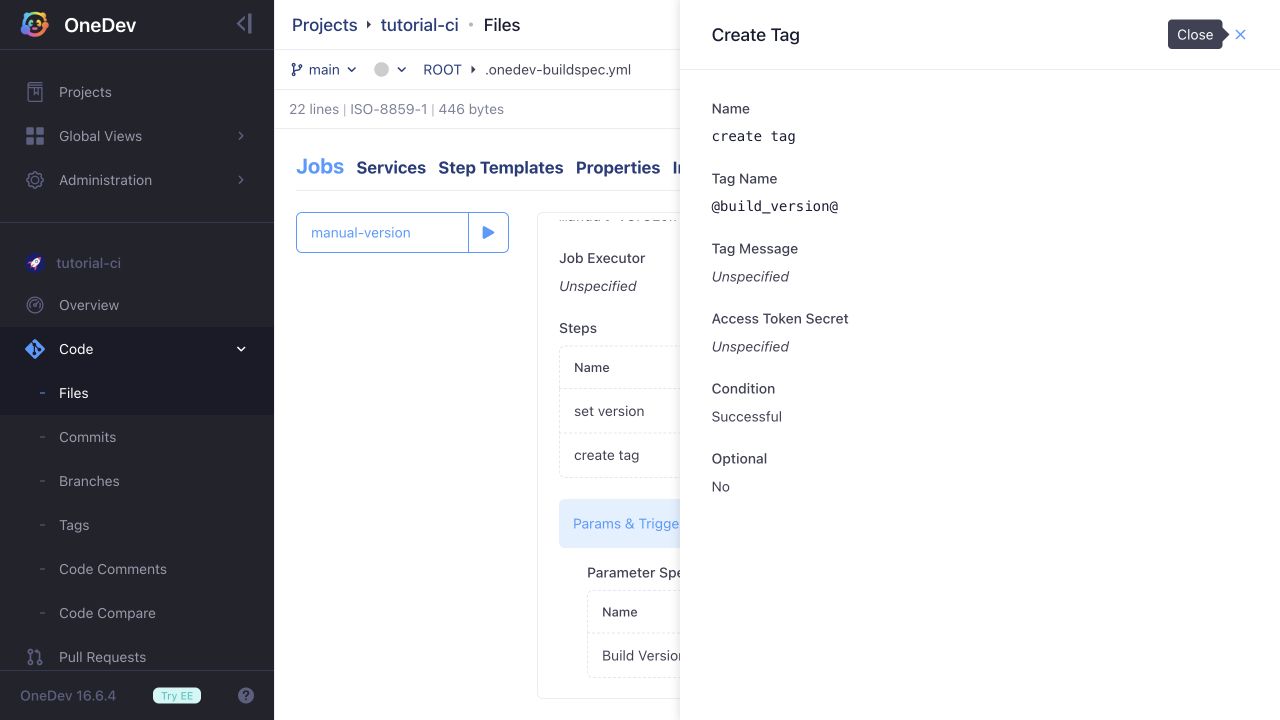
For a commit reachable from the default branch, Access Token Secret can remain unset. For other commits, specify a job secret containing an access token with permission to create the tag. Tag protection rules also apply.
Run and Verify
Commit the build specification, then click the run button beside the job. Enter a valid Git tag name, such as v1.0.0, in Build Version and click Ok.
The build header displays the supplied version after Set Build Version runs. When the job succeeds, open Code / Tags and verify that the tag points to the build's commit. Use a new version for each release: Create Tag can replace an existing tag when permitted.