Pass Artifacts Between Jobs
Generate files in job1, publish them, and retrieve them into job2's working directory.
Configure the Producer
In job1, add an Execute Commands step to generate an example file. With a POSIX shell and an image such as alpine:3.22, use:
mkdir -p output
echo tutorial-artifact > output/message.txt
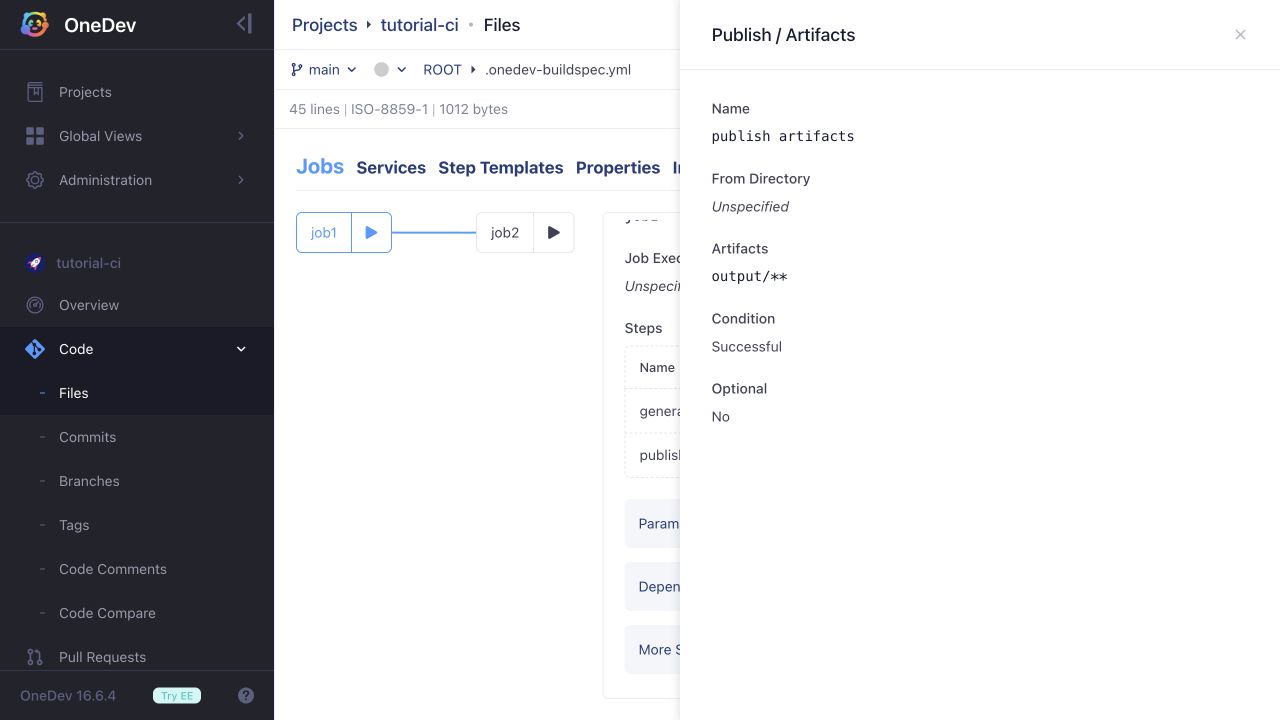
Then add a Publish / Artifacts step. Leave From Directory empty to use the job working directory, and set Artifacts to output/**.
Configure the Consumer
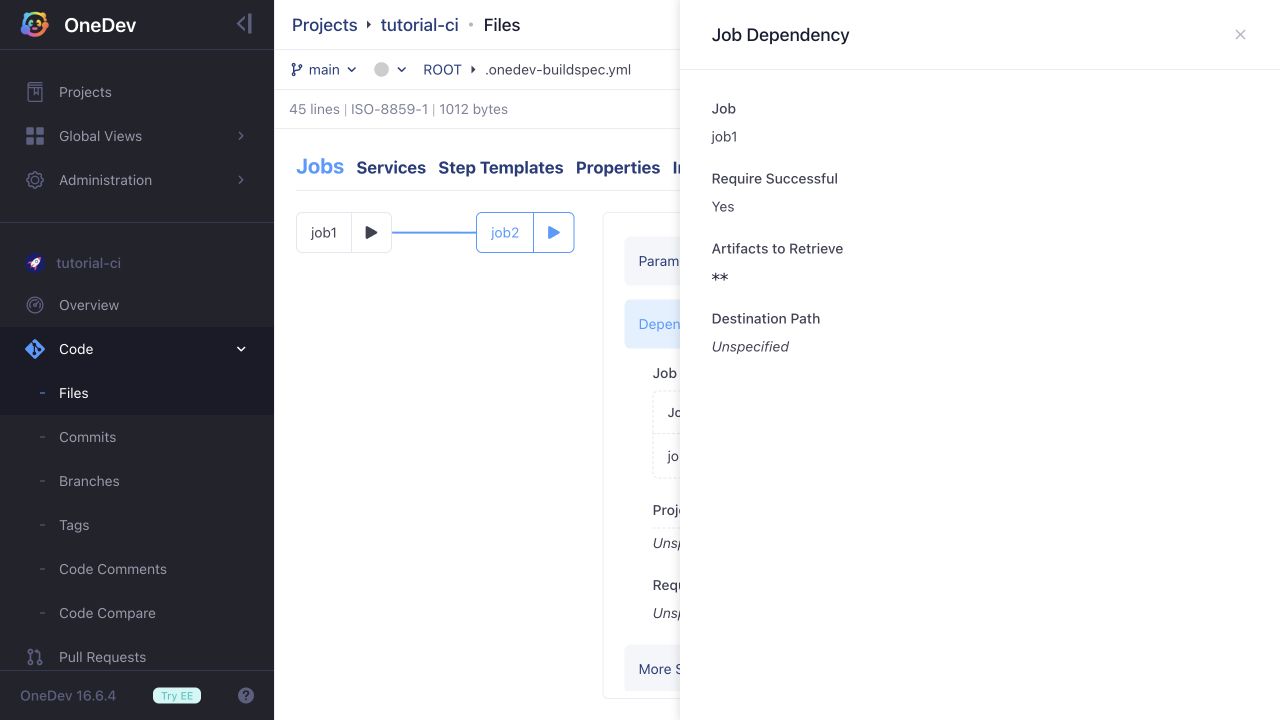
In job2, open Dependencies & Services / Job Dependencies and add job1. Enable Require Successful, set Artifacts to Retrieve to **, and leave Destination Path empty to retrieve into the job working directory.
Add an Execute Commands step in job2 to verify the file:
test "$(cat output/message.txt)" = tutorial-artifact
cat output/message.txt
Only published artifacts are passed between jobs; other files in job1's working directory are not copied. Paths are preserved relative to the publish step's From Directory. If that field were output, this example would be retrieved as message.txt instead of output/message.txt.
Run and Verify
Commit the build specification and run job2. OneDev runs its required job1 dependency first, then copies the published artifacts before starting job2's steps. Verify that both builds succeed and that job2's log prints tutorial-artifact.