Manage Access Tokens
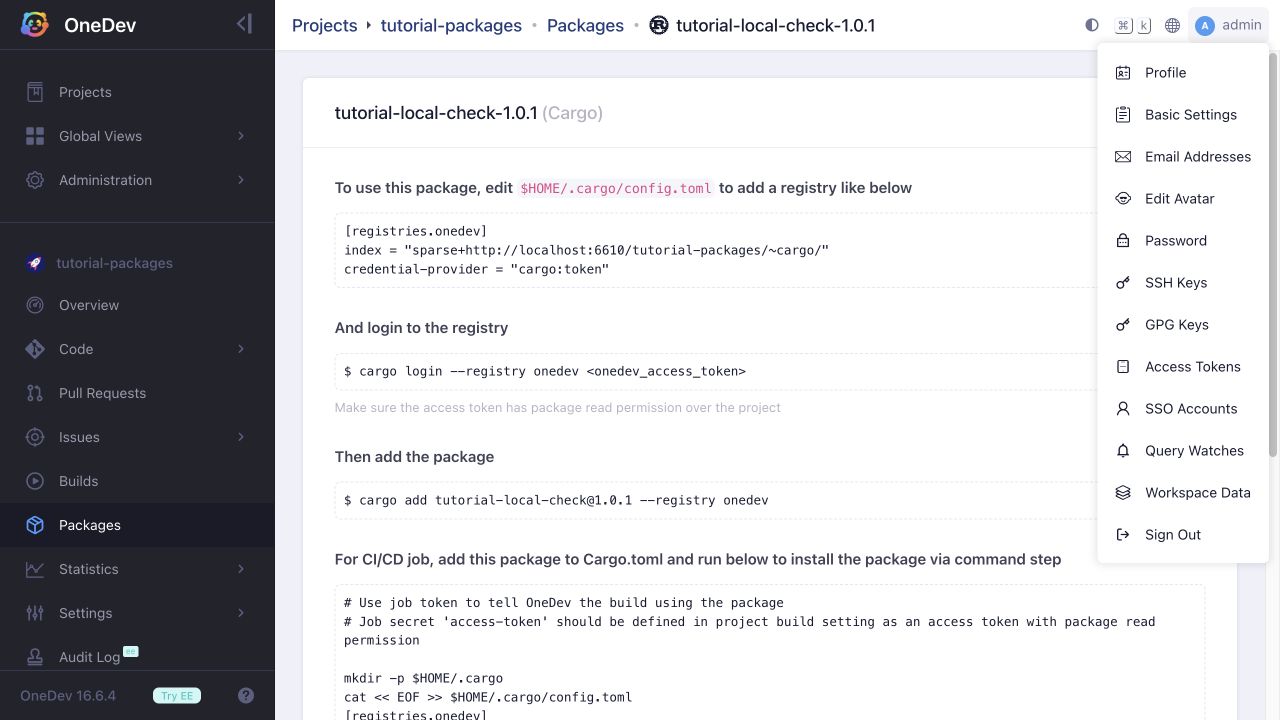
Open your user menu in the top-right corner and select Access Tokens.
Click Create New to name a token and configure its permissions. Disable Has Owner Permissions and authorize only the projects and roles needed by the integration when you want a restricted token. For example, Package Reader permits package access, while Package Writer also permits publishing. You can also set an expiration date.
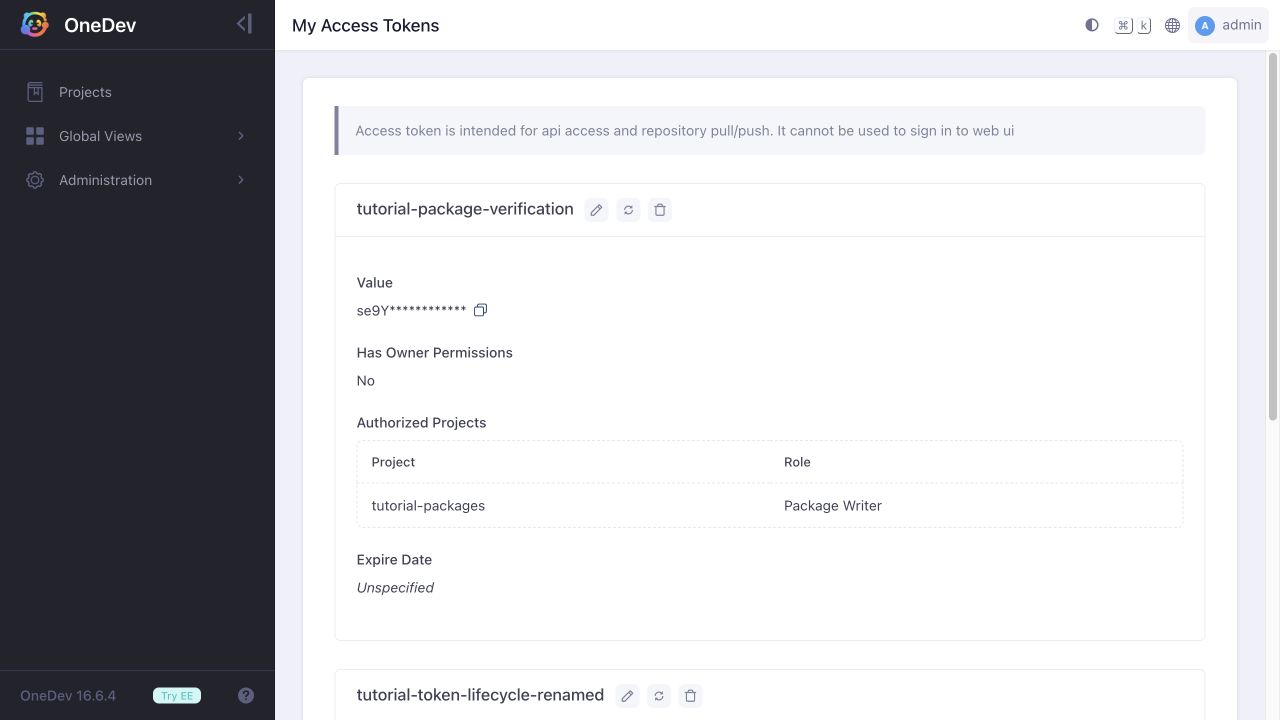
Use the controls beside a token's name to edit or delete it. The value is masked in the list; keep the full value private. Tokens authenticate API and repository operations, but cannot sign in to the web UI.
Verify a restricted token against both an authorized project and an unrelated project. After deleting a token, a request using that value should fail authentication. Updating the token's name does not create a new credential.