Control Anonymous Permission
This tutorial makes build artifacts in a dedicated public-release project available without signing in, while keeping source code and build logs private.
Choose the Project Boundary
Access to a project includes access to artifacts of all jobs in that project. A role cannot limit artifact downloads to a job named release. Keep private artifacts in a different project, and publish only intended public files in the public-release project.
Default permissions combine all default roles of the project and its parent projects. A weaker child role does not remove inherited permissions. For this example, use a separate root project, and disable unused issue, wiki, and package management features.
Configure Access
-
In Administration → Role Management, create a role such as
Public Artifacts. Leave project administration, code, package, workspace, and other additional privileges disabled. Set Editable Issue Fields to None and leave Additional Job Privileges empty. Artifact downloads are already included in project access; do not grant build execution or log access for this purpose.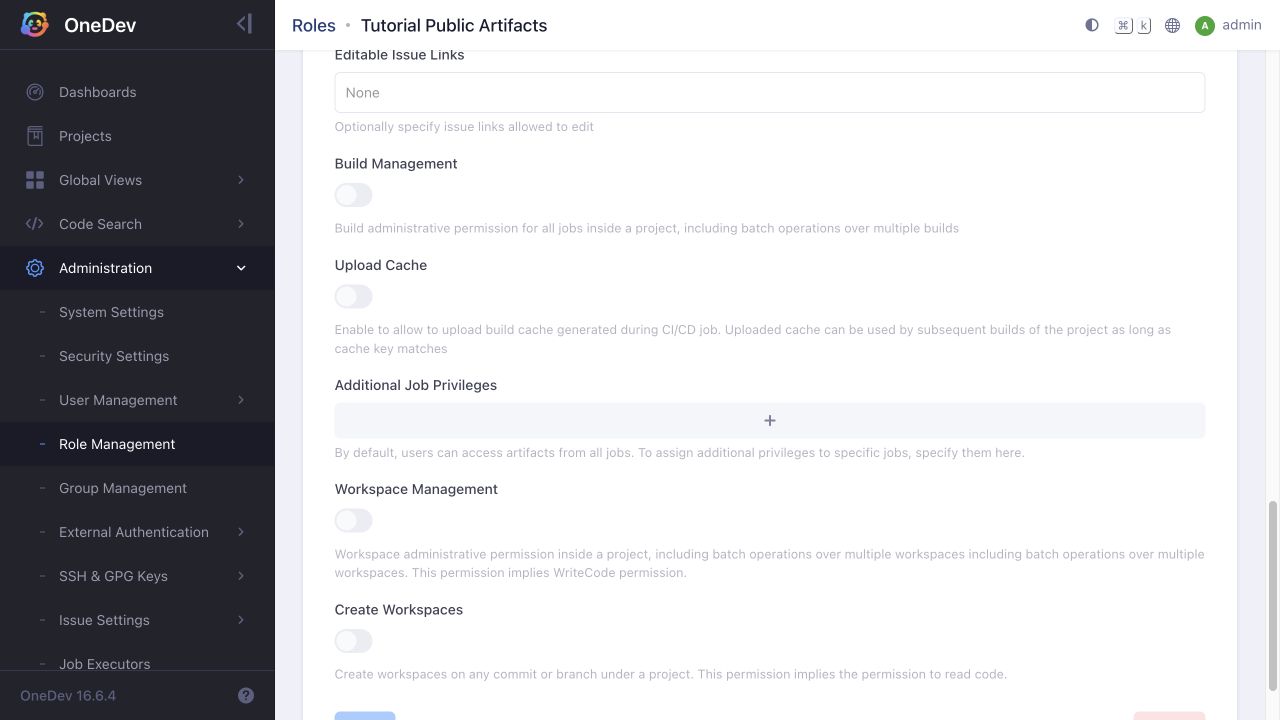
-
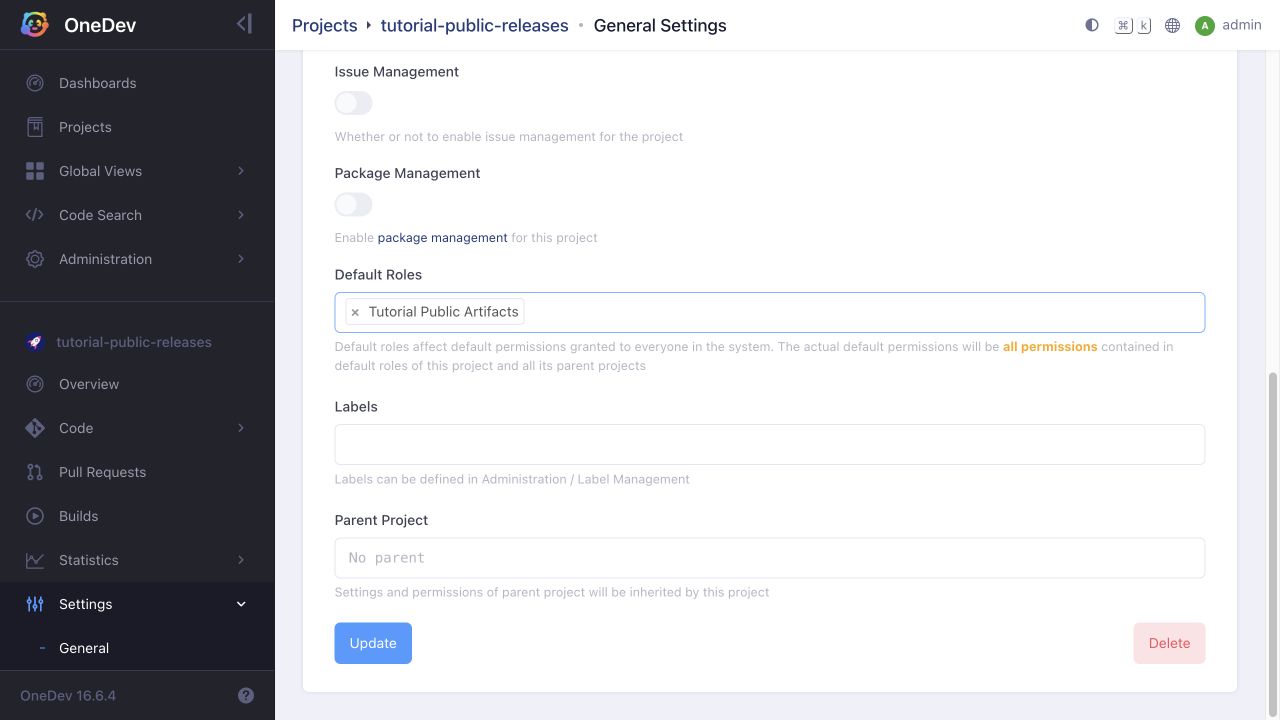
Open the public-release project's Settings → General. Add this role under Default Roles, then click Update.
-
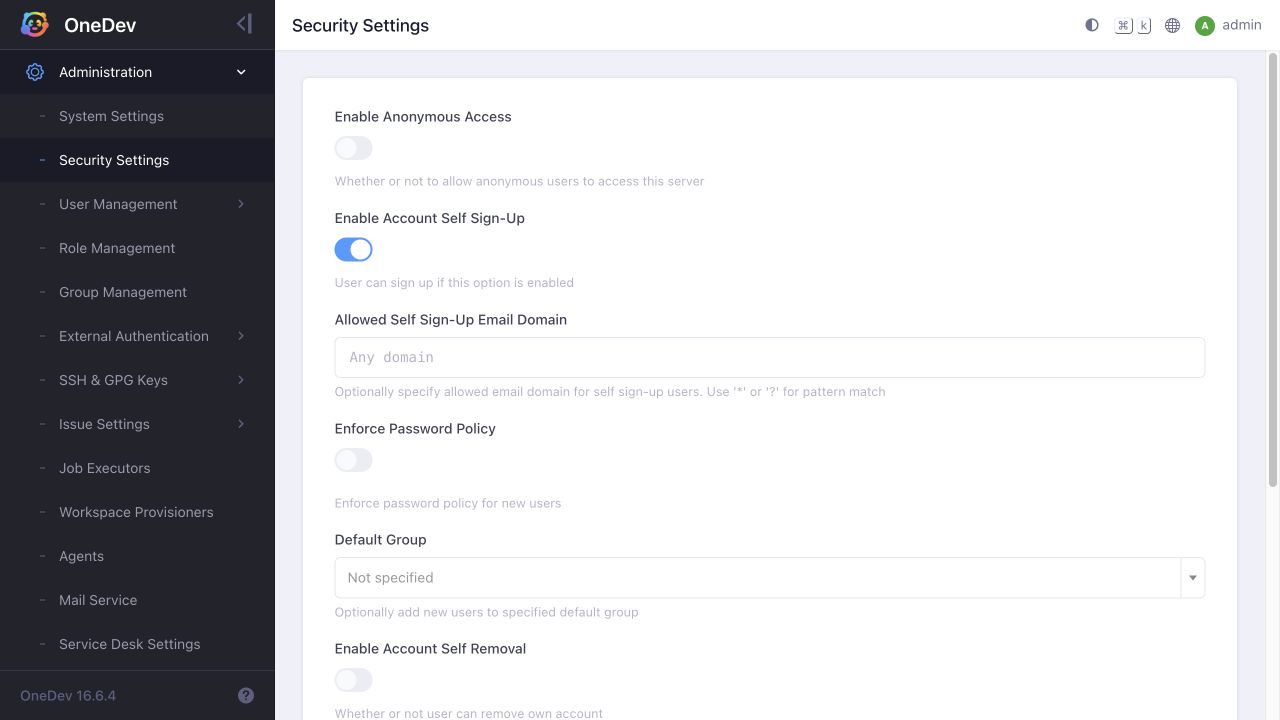
Review other projects' default roles before enabling anonymous access: the global switch makes their default permissions available to signed-out visitors too. Open Administration → Security Settings, turn on Enable Anonymous Access, then click Save Settings. The screenshot shows the switch before enabling it.
Verify Without Signing In
Copy an artifact download link from a completed build, then open it in a separate signed-out browser session. The download should succeed. Verify that source code, build logs, and unrelated private projects remain inaccessible.
Also check artifacts from another job in the public project: these are accessible too, even if that job is named internal. If those files should remain private, move the job or its published artifacts to a private project before granting anonymous project access.
To revoke public access to this project, remove its default role and check inherited default roles. Disabling Enable Anonymous Access revokes anonymous access across the server.