Give AI User Instructions
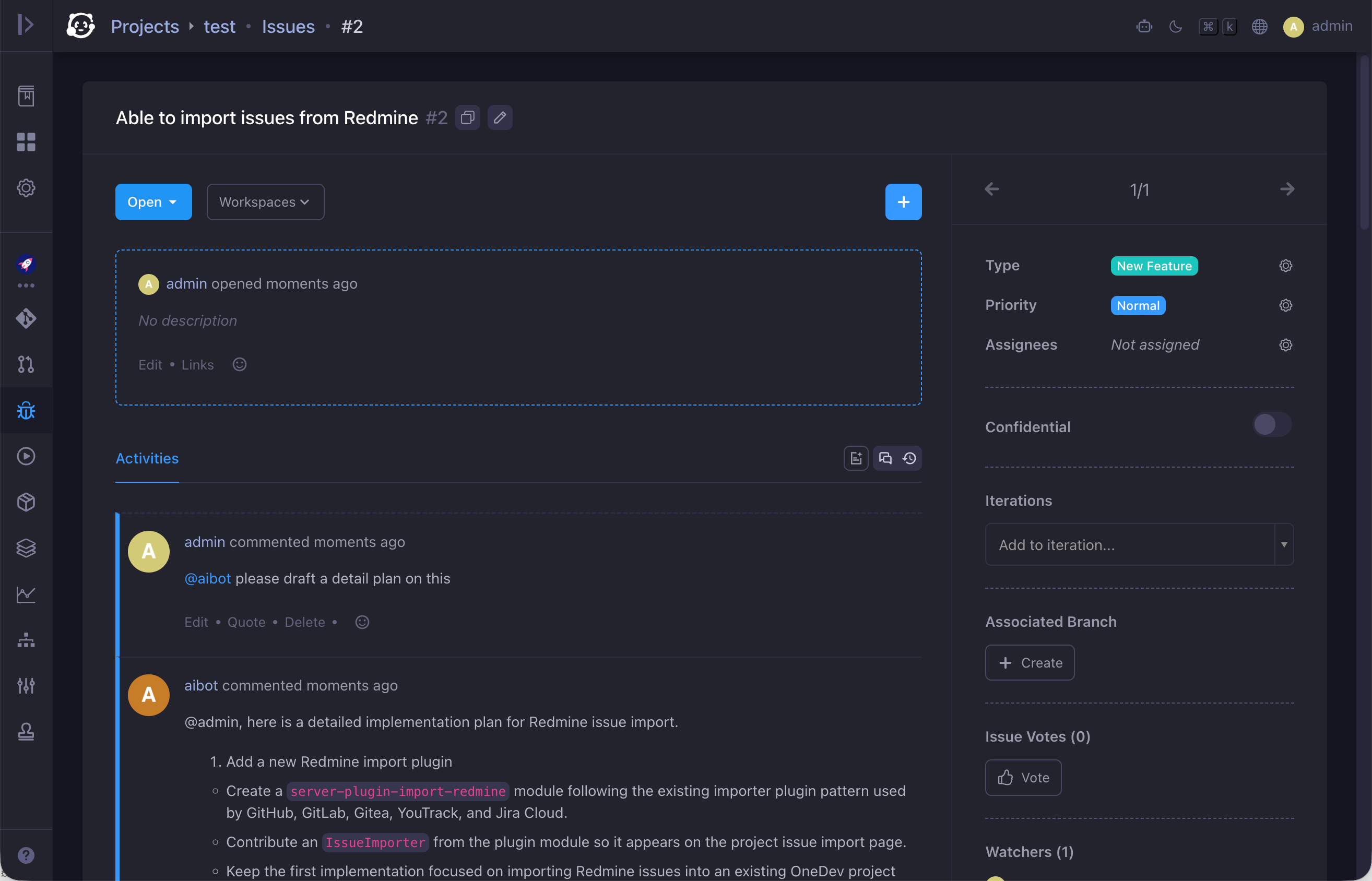
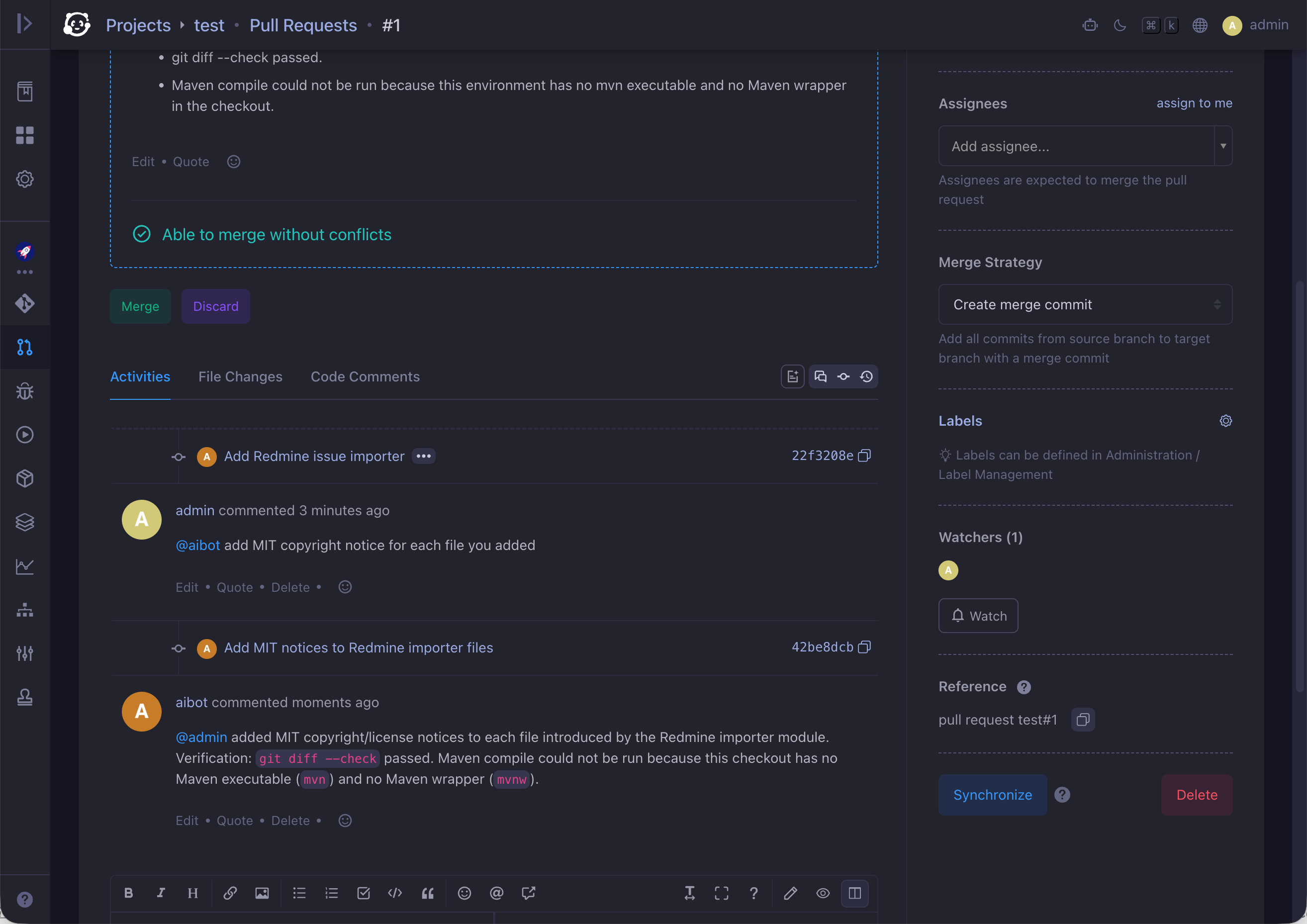
Mention an AI user in an issue or pull request comment to give it instructions or ask questions. The AI user reads the full issue or pull request context, creates a workspace, and acts on your request.
Prerequisites
-
An AI user is created. See Working with AI User. The project must be entitled to the AI user, and the AI user must have Create Workspace permission on that project.
-
A workspace is configured for the AI user for task automation. See Collaborate with AI User in Issue/PR Context.
Mention the AI User
Mention the AI user in a comment to ask it to improve code, retry a task after you fix an error, post a detailed plan for a new feature, or answer a question. OneDev creates a workspace for the AI user, loads the issue or pull request context, and runs your instruction.
The AI user may create a workspace on a branch other than the issue branch or pull request source branch. For example, if you ask a question and the AI user is not the issue assignee—and no issue branch exists yet—the workspace is created from the tip of the default branch. You can check all workspaces from Workspaces menu of the project.