Chat with AI User
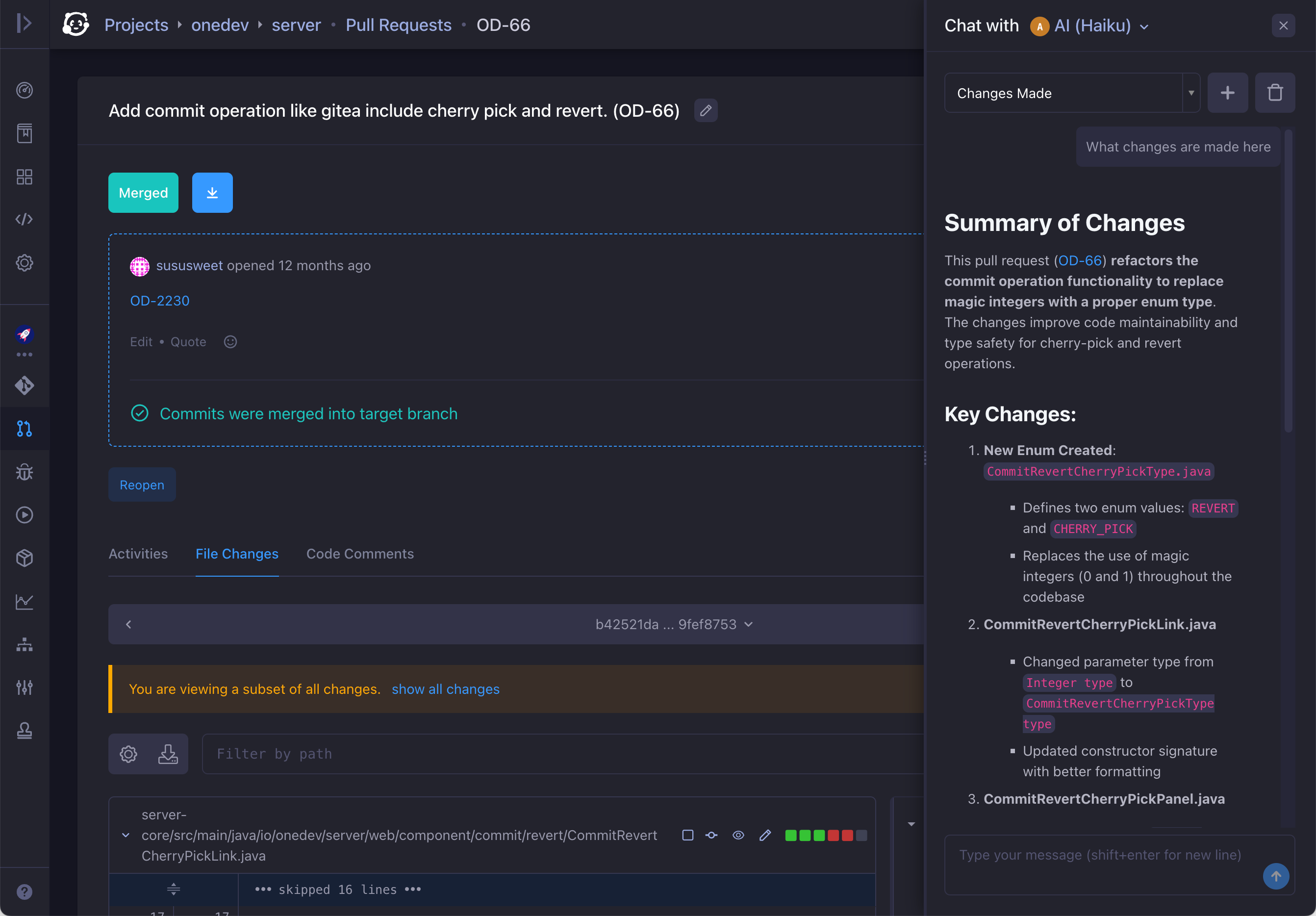
You can open the chat interface at any time to talk with an entitled AI user:
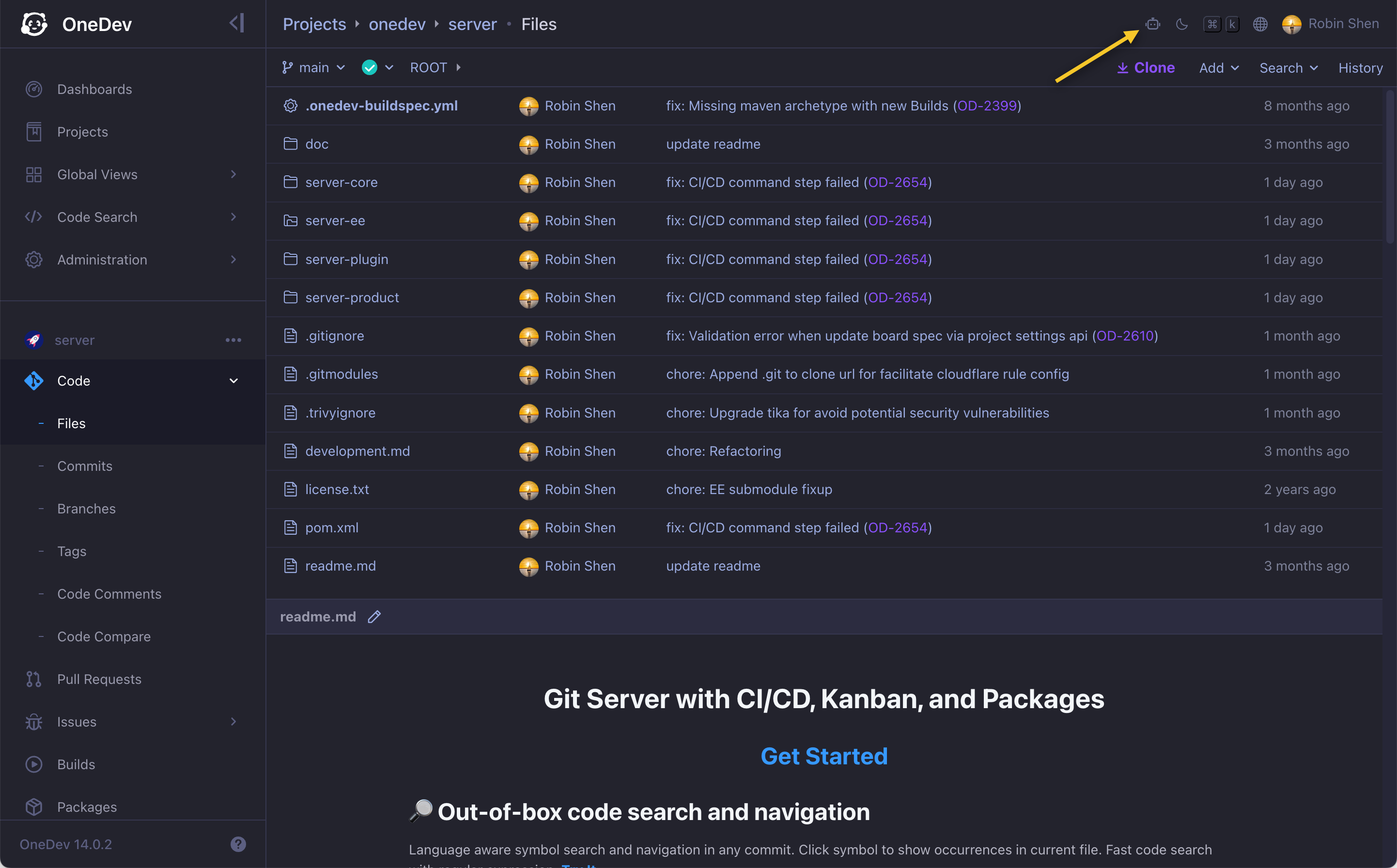
The AI user is given tools based on your current page and context to help with different tasks. When you chat this way, it runs those tools with your permissions—the access rules configured on the AI user itself do not apply.
Codebase Understanding
While browsing files, you can ask the AI user questions about the current codebase:
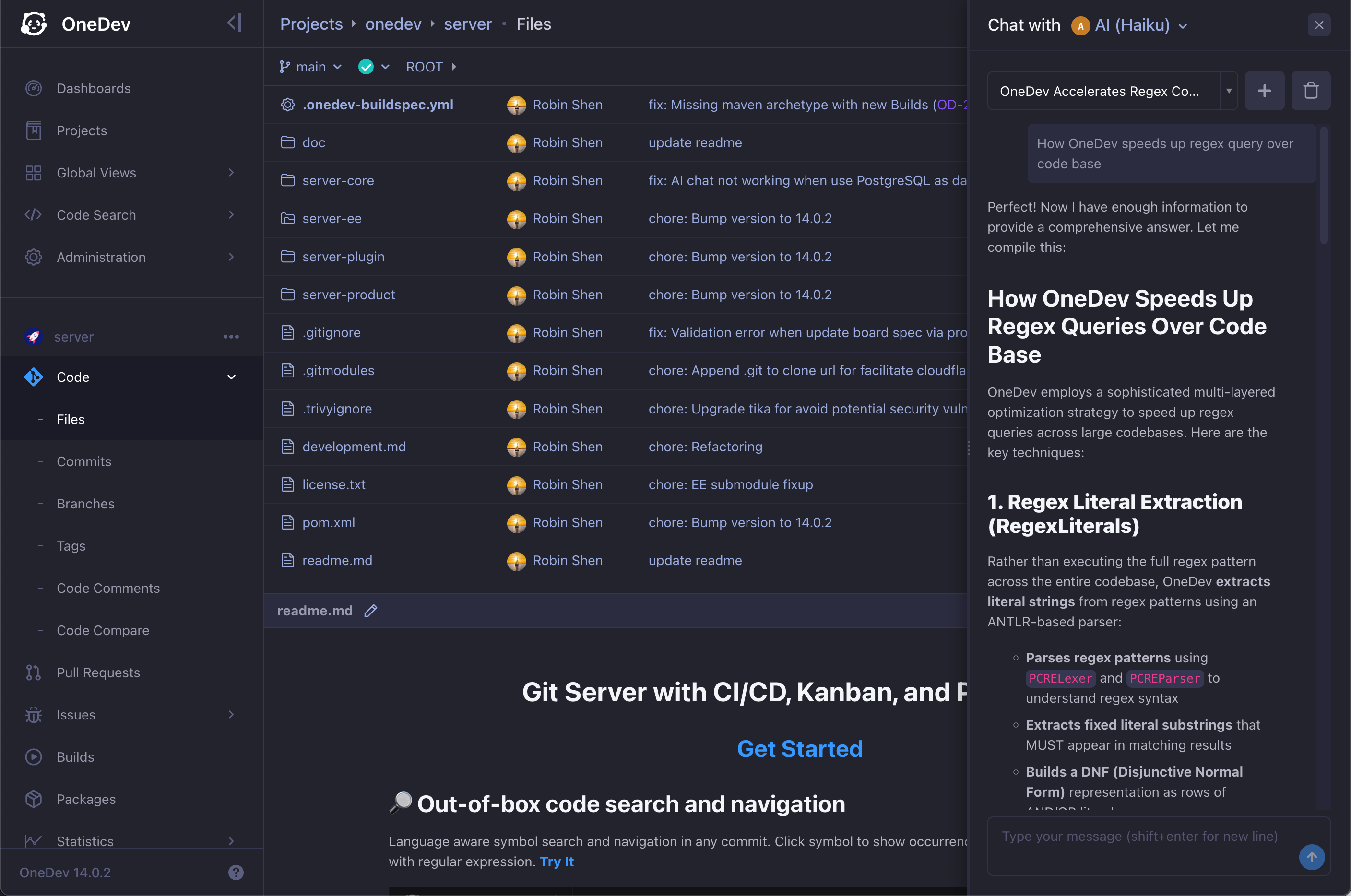
OneDev may still be indexing the codebase. Wait for indexing to finish before asking codebase questions, because the AI relies on the index to search code. The same applies to commit review and pull request interactions below.
Cross-Repository Questions
With an active enterprise edition subscription, the AI user can answer questions that span multiple repositories. Open the chat from the dashboard, project list, or code search page, and ask about code or structure across any project you can access—the AI can search and read files beyond the current repository.
Commit Review
Switch to any commit and ask the AI user to review it:
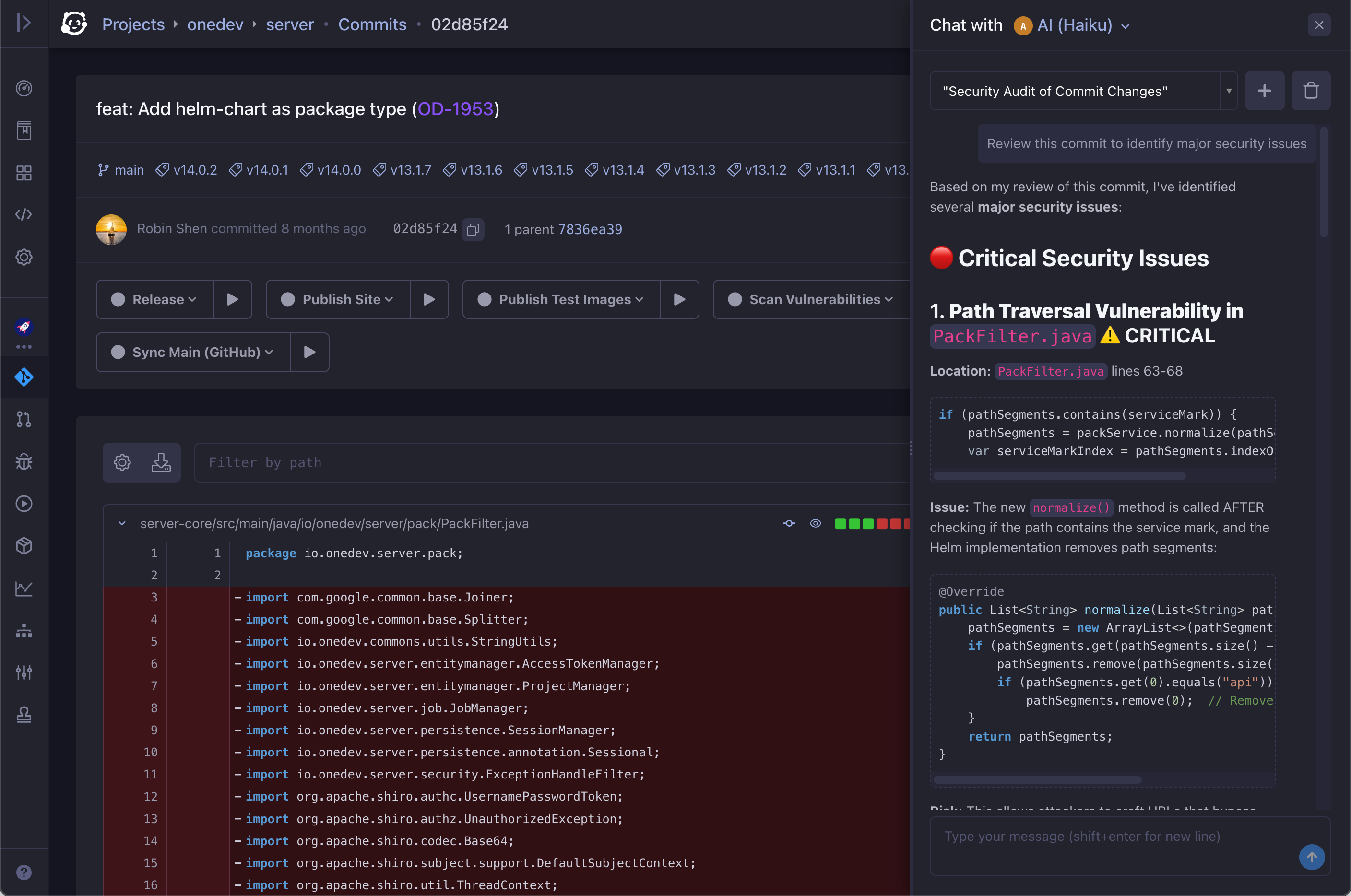
Reviews often include false positives, but they can also surface real bugs. In fact, an AI review once found a critical security vulnerability in OneDev itself.
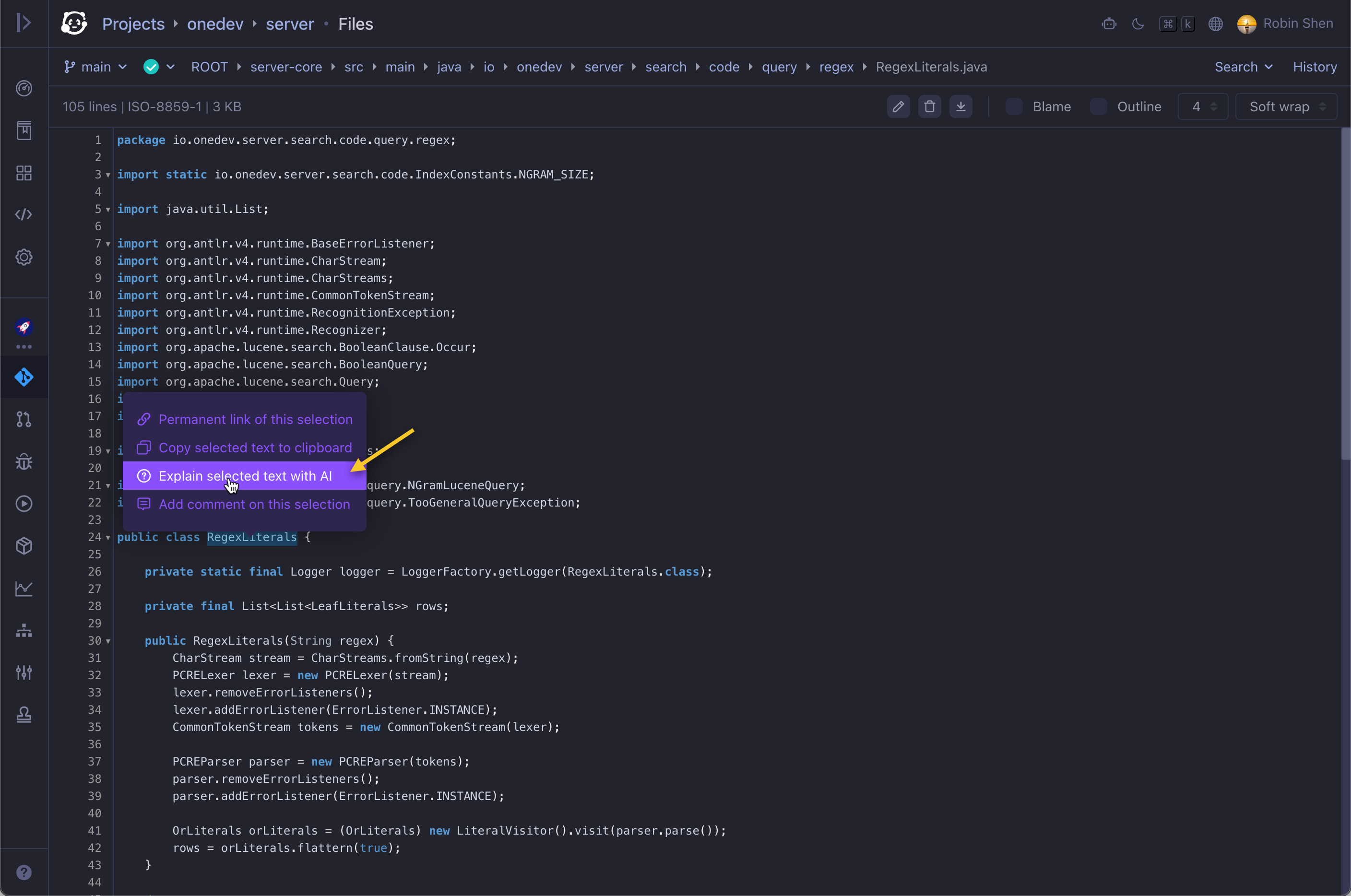
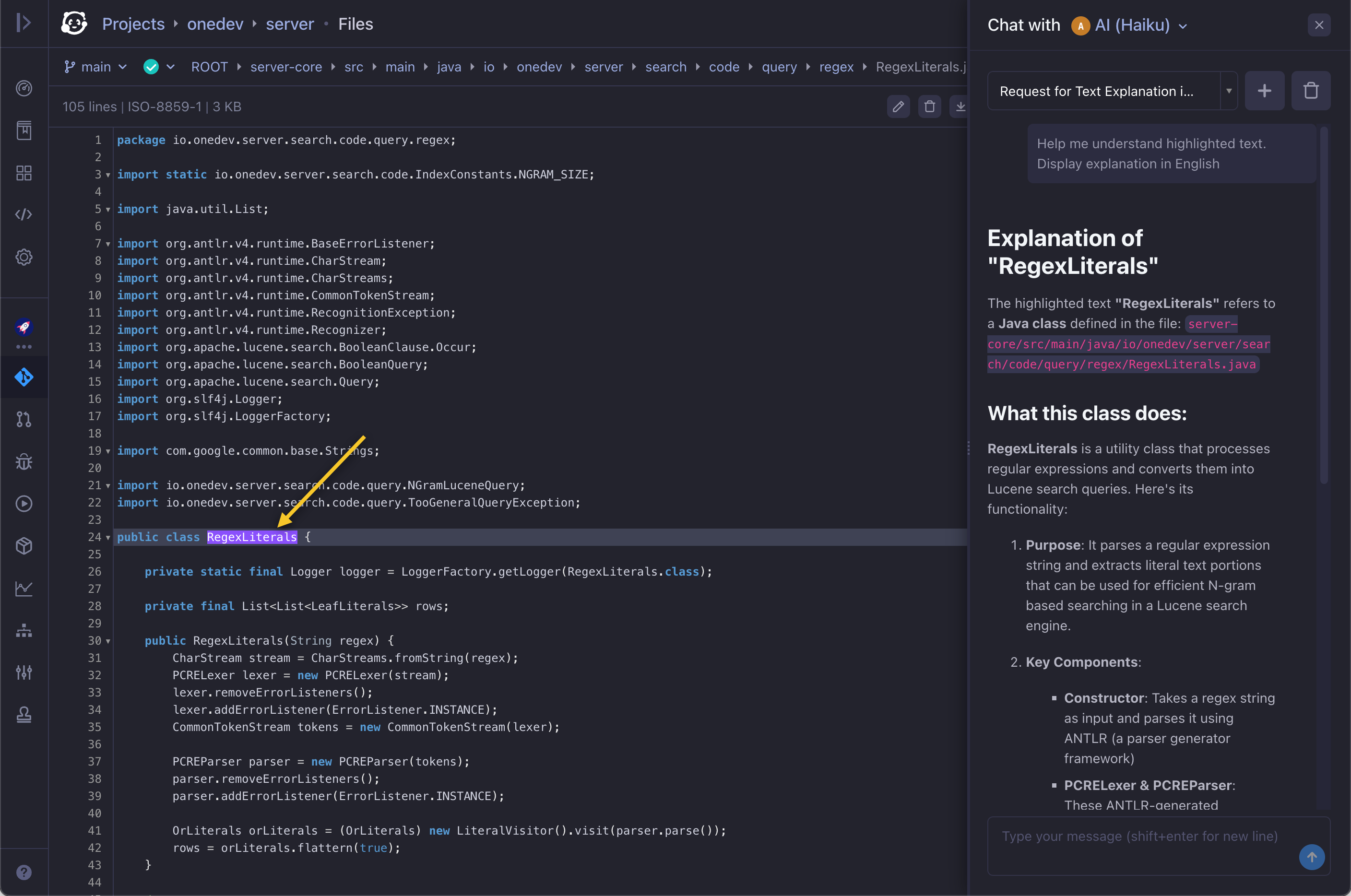
Code Snippet Explanation
Select a code snippet in source view or diff view and ask the AI user to explain it:
CI/CD Spec Editing
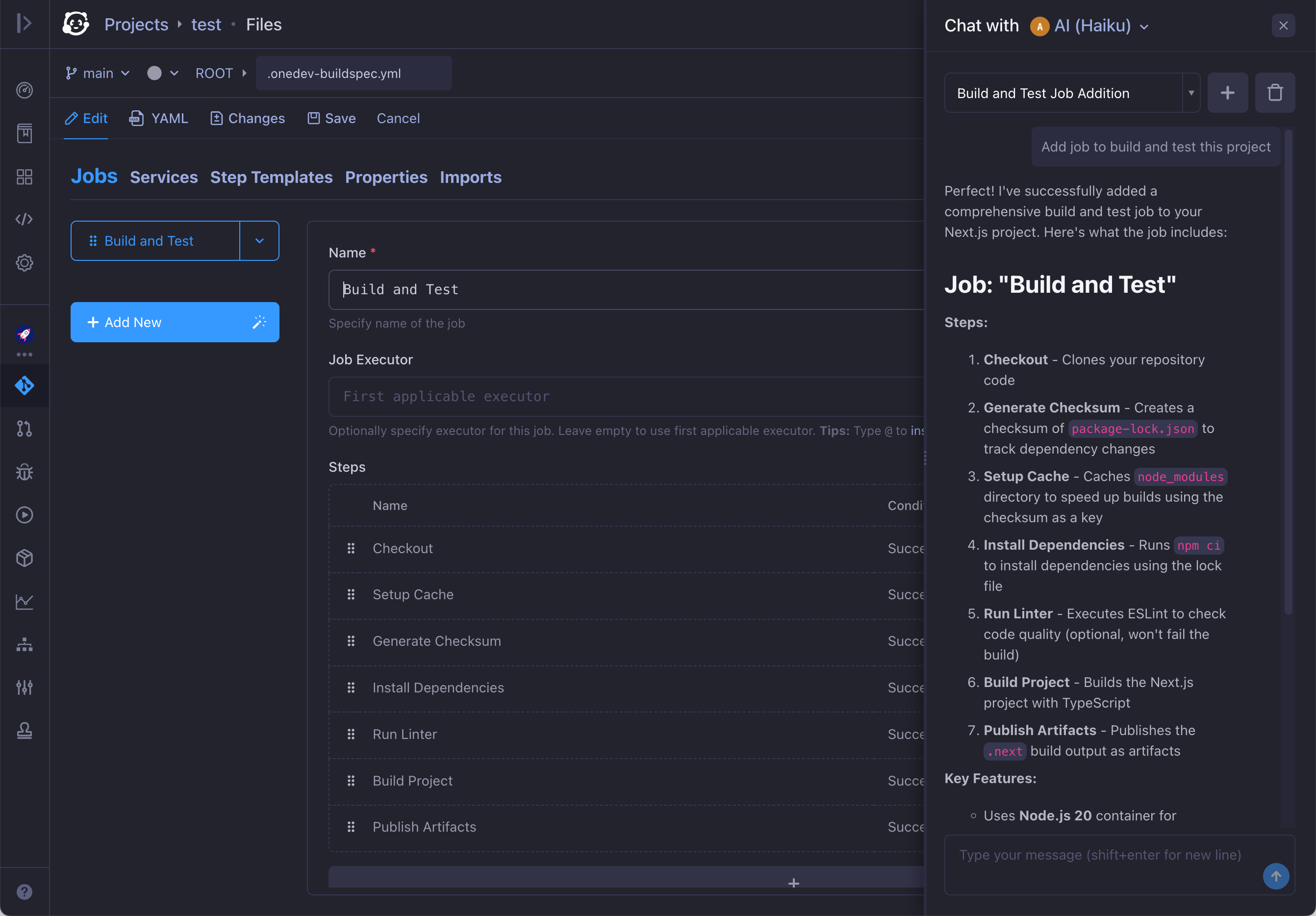
On the CI/CD spec edit page, you can ask the AI user to add a new job or modify an existing one:
Closing and reopening the chat dialog starts a new conversation. Select a previous chat from the history to continue where you left off.
Issue and Pull Request Comment Summaries
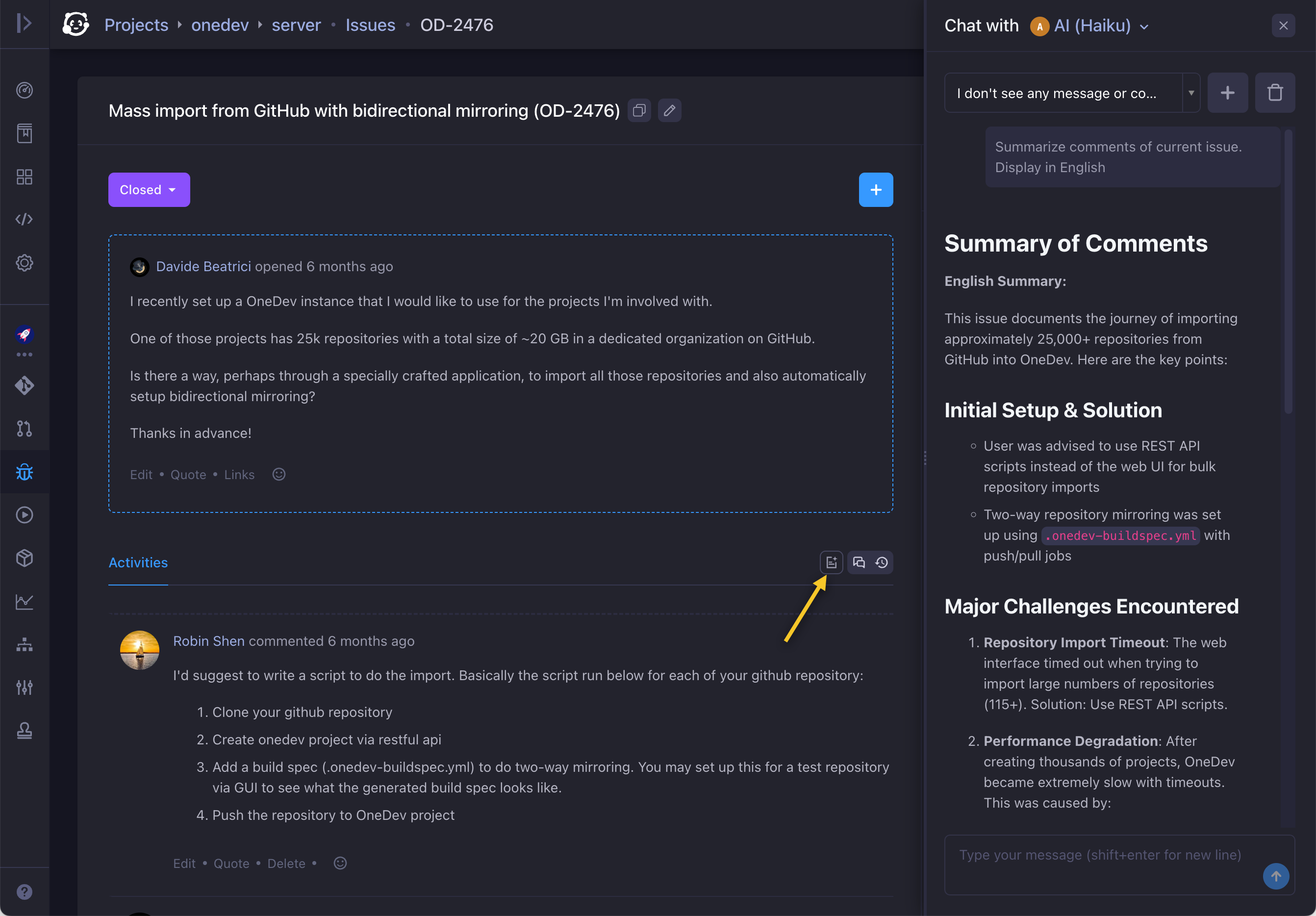
On an issue or pull request page, ask the AI user to summarize the discussion in the comments:
Pull Request Change Questions
On a pull request page, the AI user can help you understand all changes in the pull request, or a subset—for example, changes since your last review: