Working with AI User
OneDev lets you add AI users—virtual collaborators that can work on issues and pull requests, fix merge conflicts and failed builds, explain the codebase, and help you write CI/CD jobs.
Create an AI User
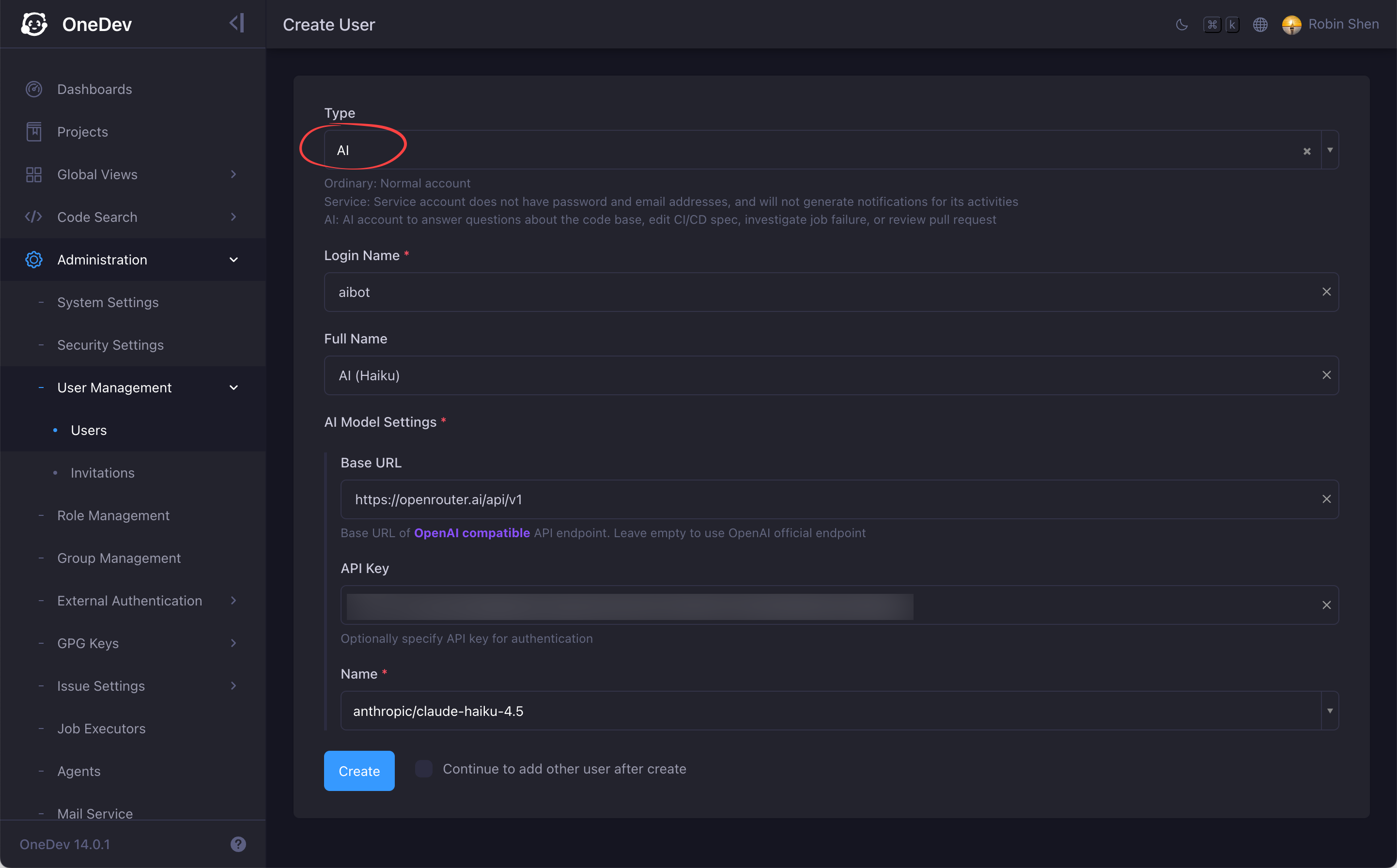
To create an AI user, select type AI when creating a new user, and specify the model to use when interact with the AI user throug the chat interface:
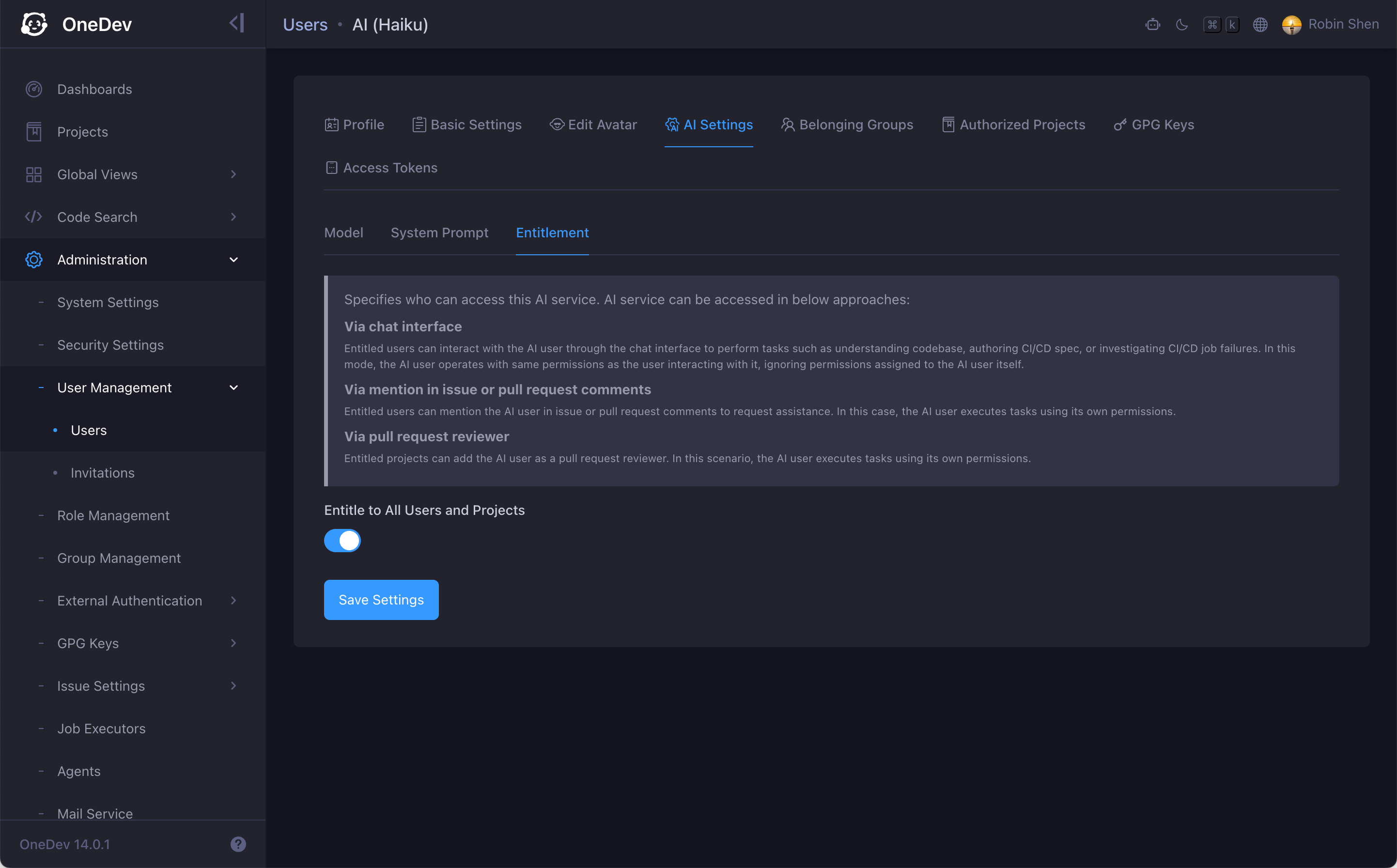
Then decide who can access the AI user via the entitlement setting, and optionally specify a system prompt:
Chat or Collaborate
You can work with an AI user in two ways:
-
Chat with it — open the chat interface from anywhere in OneDev to ask questions, check code, summarize issue/PR comments, edit CI/CD specs, and more. See Chat with AI User.
-
Collaborate in issue and pull request context — mention the AI user in discussions, assign it to issues, add it as a pull request reviewer, or let it fix failed builds or resolve merge conflicts on its own pull requests. See Collaborate with AI User in Issue/PR Context.