Pull Request Approval
This tutorial explains how to configure required approvals of a pull request.
Assumed Scenario
Require at least two members of the Tutorial Experts group to approve a pull request targeting main.
How to Set Up
- In Administration / Group Management, create
Tutorial Expertsand add at least two reviewers. The pull request submitter cannot review their own request, so choose reviewers other than the submitter. - In the project's Settings / Authorization / Group Authorizations, grant the group Code Reader access or a role that includes code read permission.
- Open Settings / Code / Branch Protection and click Add Rule.
- Set Branches to
mainand Applicable Users toanyone. - Set Required Reviewers to
group(Tutorial Experts):2, then click Save. Use your actual group name inside the parentheses.
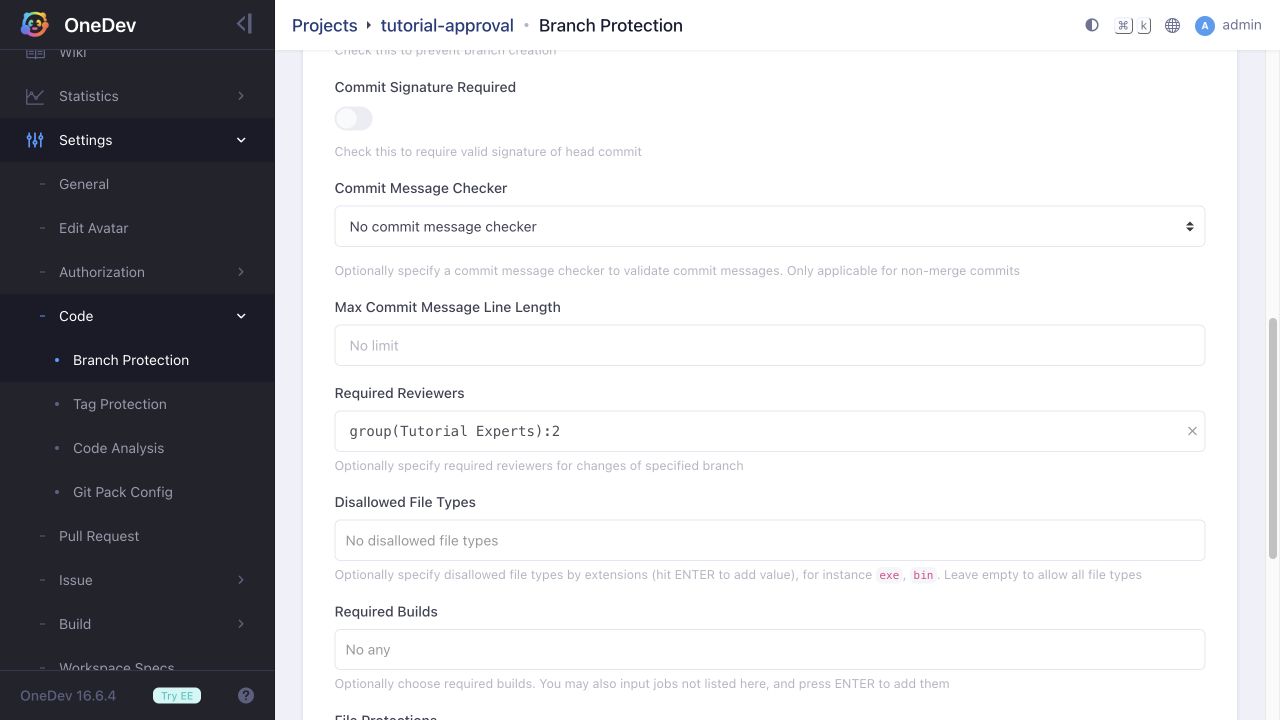
The first matching branch protection rule takes effect. Place this rule before any broader rule that also matches main and the user changing it.
Verify the Rule
Create a feature branch, commit a change, and open a pull request targeting main. OneDev selects the required reviewers from the group. The request remains blocked with Waiting for approvals after the first reviewer approves. After the second approval, it can be merged if its other requirements are satisfied and there are no merge conflicts.