Working with Cargo
The Server URL under Administration > System Settings must be reachable from Cargo's execution environment. Cargo reads API and download URLs from the registry metadata; changing only the index URL cannot compensate for an unreachable advertised server URL. In particular, localhost inside a build container refers to that container.
Publish Cargo Package
-
Edit
$CARGO_HOME/config.toml(or$HOME/.cargo/config.tomlwhenCARGO_HOMEis unset) to add a registry like below:[registries.onedev]index = "sparse+https://onedev.example.com/<project path>/~cargo/"credential-provider = "cargo:token"Param Explanation <project path> path of a project with package management enabled -
Login to the registry:
$ cargo login --registry onedev <onedev_access_token>Param Explanation <onedev_access_token> OneDev access token with package write permission over the project -
Publish package to the registry:
$ cargo publish --registry onedev -
For CI/CD job, run below to add package registry via command step:
# Use job token to tell OneDev the build publishing the package# Job secret 'access-token' should be defined in project build setting as an access token with package write permissiontutorial_cargo_home="${CARGO_HOME:-$HOME/.cargo}"mkdir -p "$tutorial_cargo_home"cat << EOF > "$tutorial_cargo_home/config.toml"[registries.onedev]index = "sparse+https://onedev.example.com/<project path>/~cargo/"credential-provider = "cargo:token"EOFcat << EOF > "$tutorial_cargo_home/credentials.toml"[registries.onedev]token = "@job_token@:@secret:access-token@"EOFchmod 0600 "$tutorial_cargo_home/credentials.toml"cargo publish --registry onedevParam Explanation <project path> same as above
The CI snippet assumes fresh registry configuration files. Merge the registries.onedev entries into existing files if they contain other settings; do not append duplicate TOML table headers on repeated runs. The official Rust container images set CARGO_HOME, so hard-coding $HOME/.cargo may leave Cargo unable to find your registry.
Consume Published Cargo Package
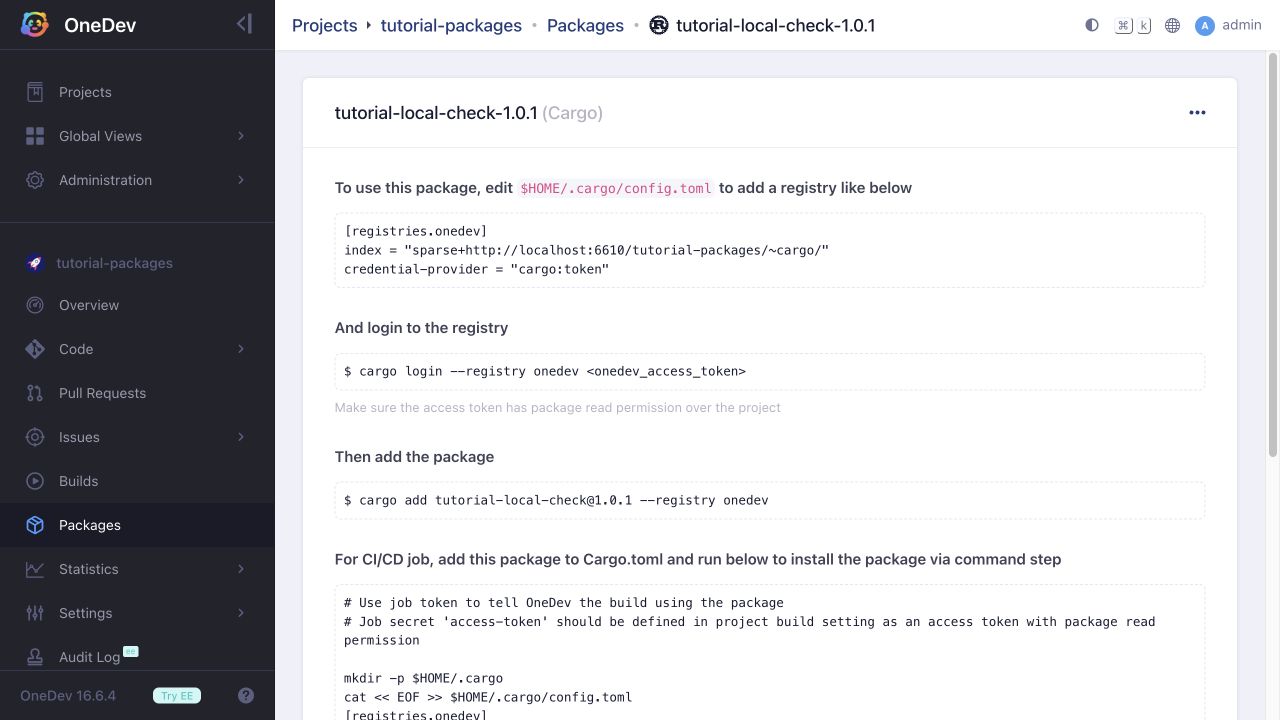
Configure the same registry for the consumer with a token having package read permission. Add the dependency to the consumer's Cargo.toml:
[dependencies]
my-package = { version = "1.0.0", registry = "onedev" }
Replace the package name and version, then run cargo build or cargo run. The package detail page contains commands tailored to that package.